Windows · Free
7-MD Launcher
One app for every 7-MD game. Sign in with your 7-MD account, then buy, install, update and play.
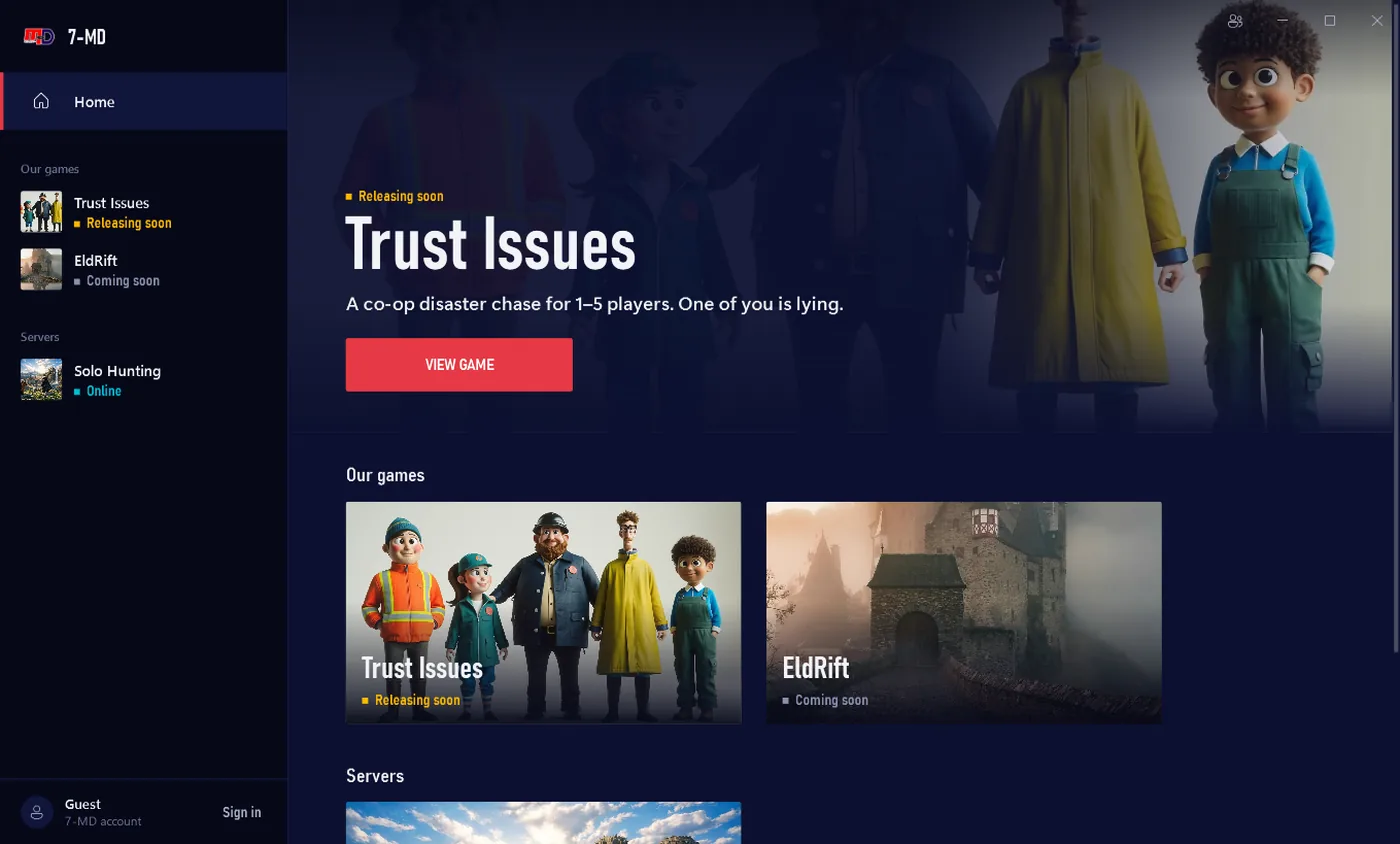
Three steps
- 1
Download
One file, about 70 MB. Nothing else to install.
- 2
Run it
If your browser asks, choose Keep. If Windows says “Windows protected your PC”, click More info, then Run anyway. It installs for your account only, no admin rights needed.
- 3
Sign in and play
Sign in with your 7-MD account in your browser. Your games appear right away, and you can redeem a game key.
Why does Windows warn me?
7-MD is a small studio and the launcher isn't code-signed yet, so Windows doesn't know it. Every game build and every launcher update is signed by 7-MD and checked before it runs. You can also check the file yourself.
Requirements
- Windows 10 or 11, 64-bit
- A free 7-MD account (Google sign-in)
- Disk space for the games you install
To remove it: Windows Settings → Apps → 7-MD Launcher → Uninstall.
Privacy